1. Attend
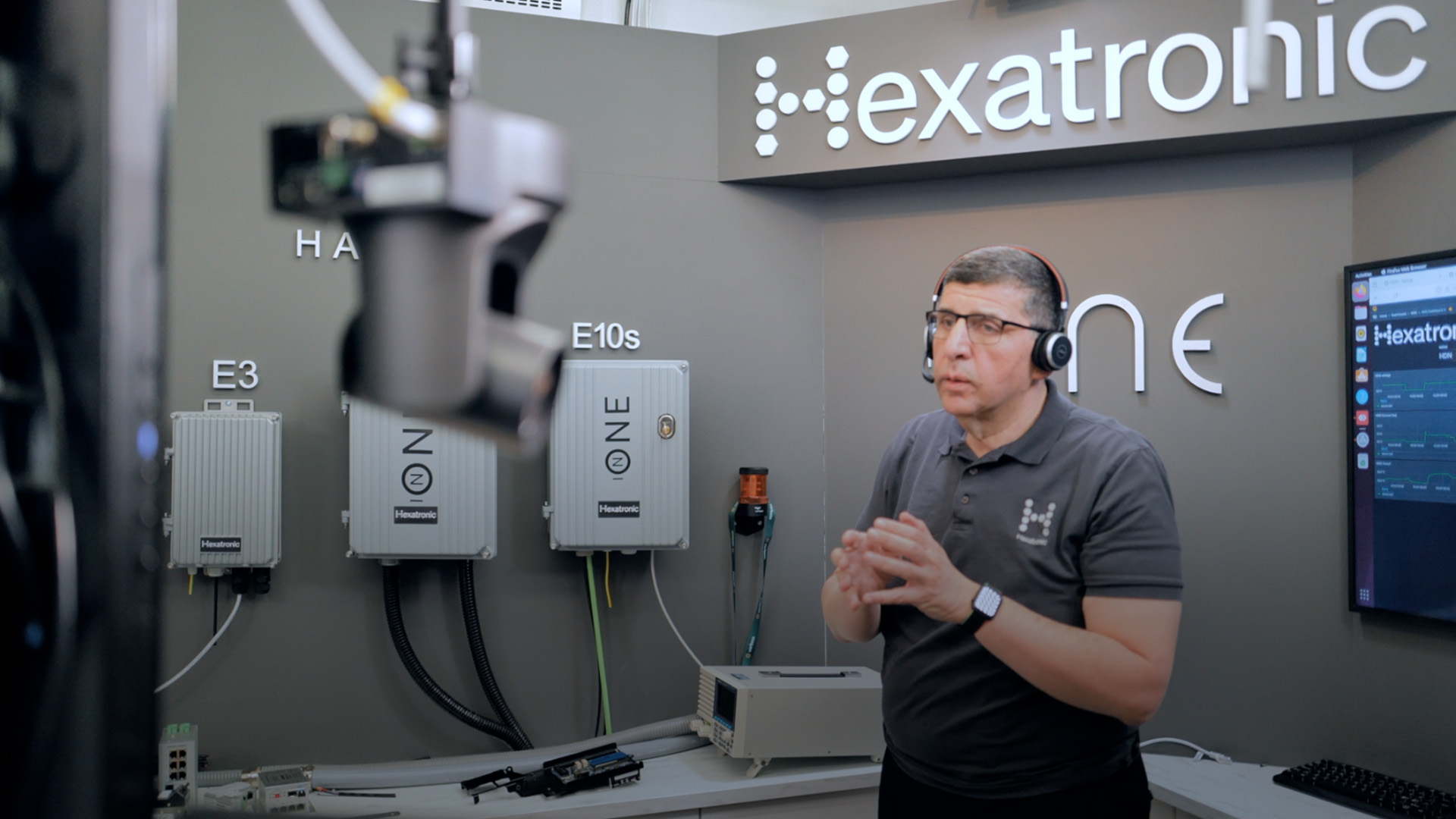
Sign up for an InOne Design webinar.
If you attended a previous webinar or already have the knowledge, you can ask for a code directly by emailing inone@hexatronic.com
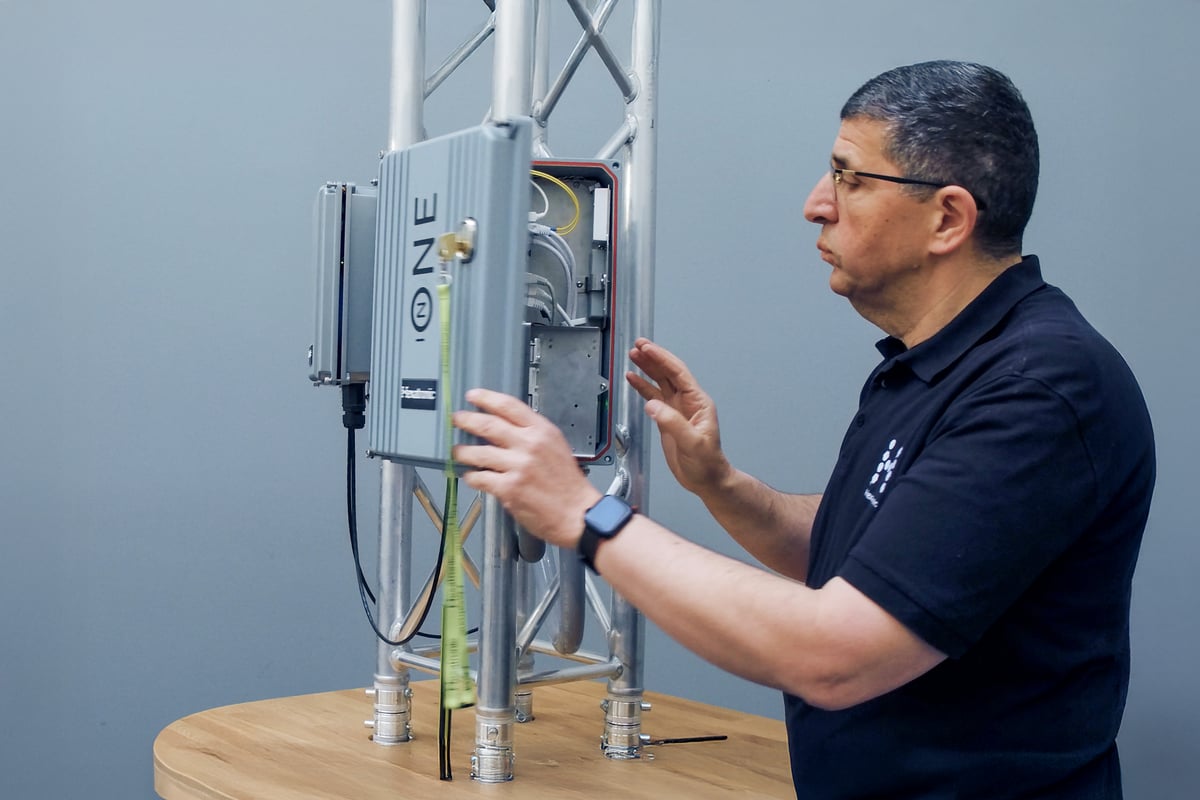
Prove your skills in designing InOne Powered Fiber networks and get recognized as a certified InOne designer.
Sign up for an InOne Design webinar.
If you attended a previous webinar or already have the knowledge, you can ask for a code directly by emailing inone@hexatronic.com
Once your design has been reviewed, you'll get a certificate, a digital badge, and a guide to adding it to LinkedIn.
When you've successfully completed the test, you've earned the InOne Certified Designer title, and you'll receive the certificate and digital badge.
Add the badge to your LinkedIn profile under Licenses and certifications, and showcase your design skills!